
Type a topic — get a presentation in minutes
SlideAI writes the text, finds fitting images and builds a polished PowerPoint (.pptx) file. The website and the Telegram bot share one account and one balance.


How it works
- 1
Topic and template
Type a topic, pick the number of slides, the language and one of 40 templates.
- 2
AI does the work
Outline, text, figures and images are ready in 1–2 minutes.
- 3
Download
Download the .pptx on the website — it is also sent to you in Telegram.
Everything in one place
Ready text
Title, introduction, outline, body, conclusion and sources — on topic and clear.
Fitting images
Every slide gets an image that matches the topic.
40 templates
Business, academic, creative and minimalist styles.
Uzbek, Russian, English
Create presentations in any of the three languages.
Editor
Change text, colours, images, tables and slides right in the browser.
Images to PDF
Turn several images into one PDF file.
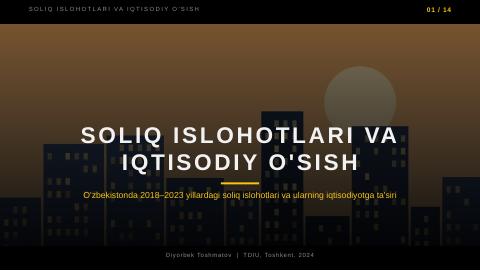
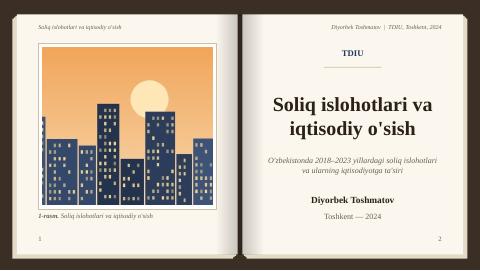
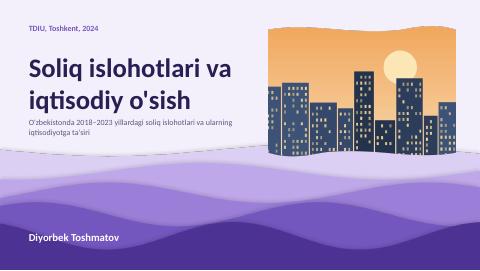
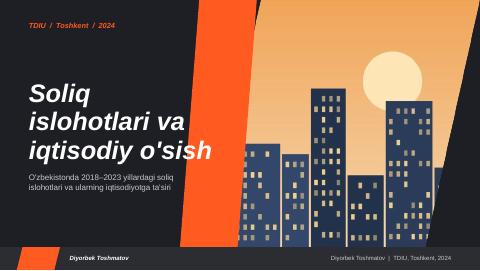
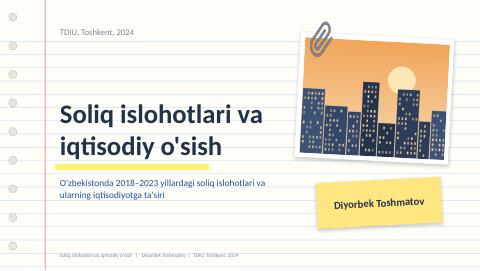
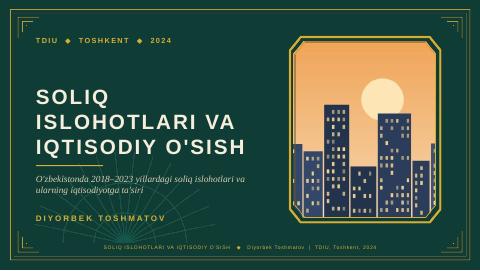
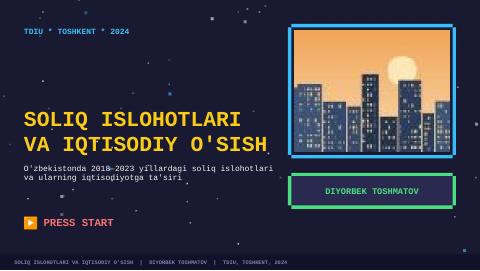
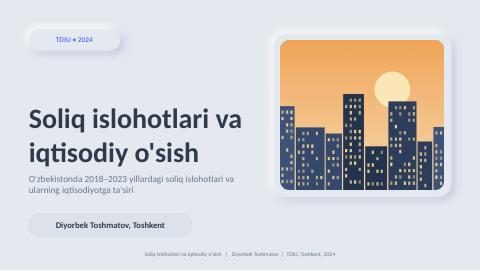
40 templates
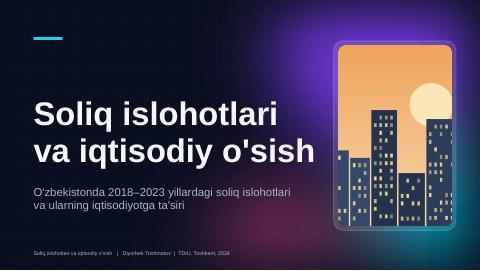
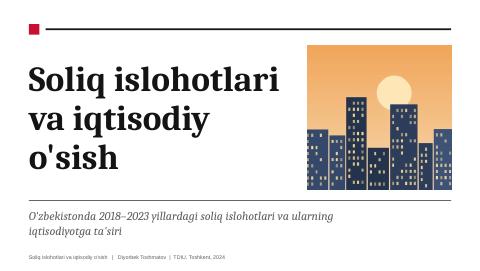
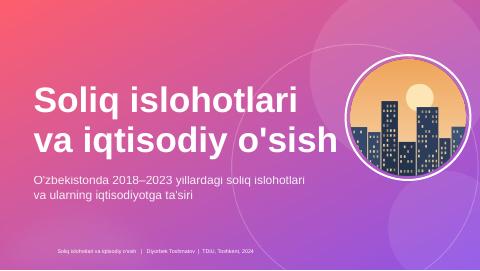
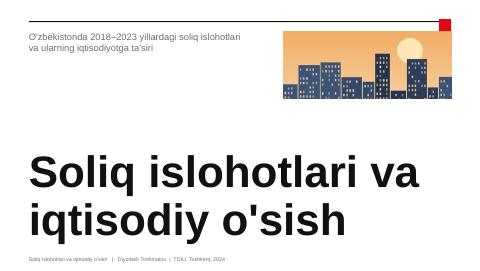
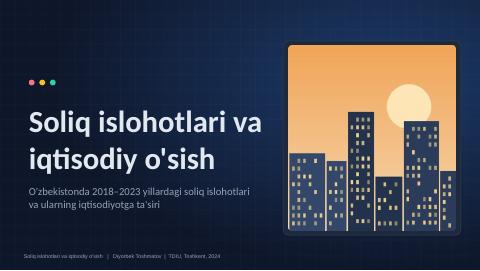
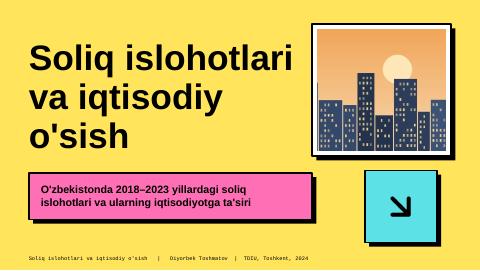
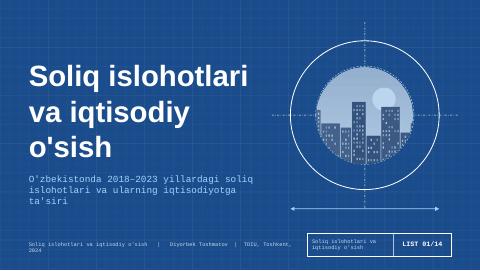
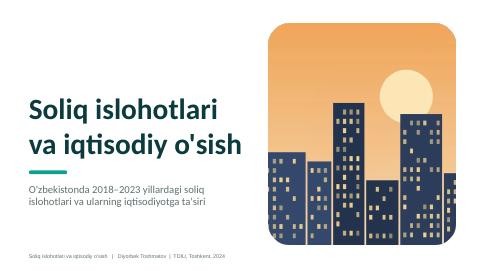
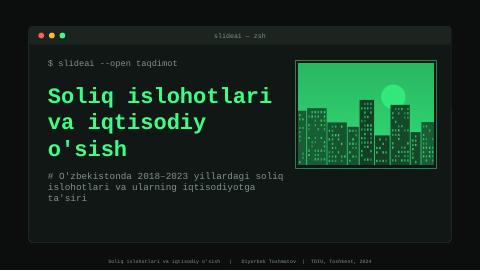
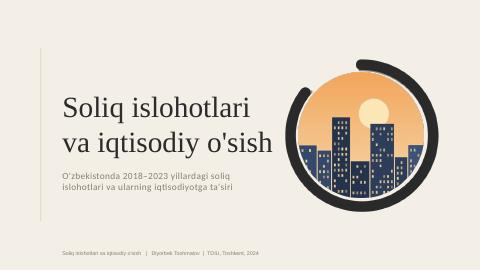
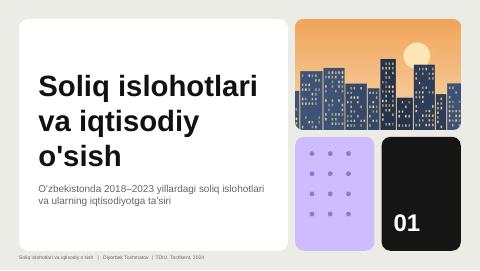
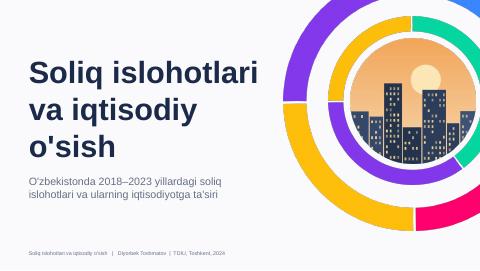
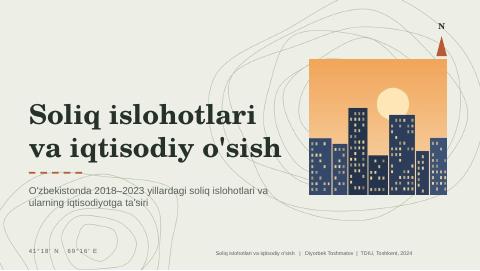
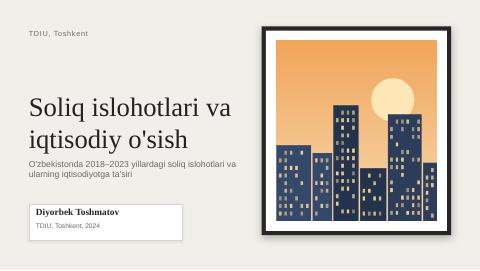
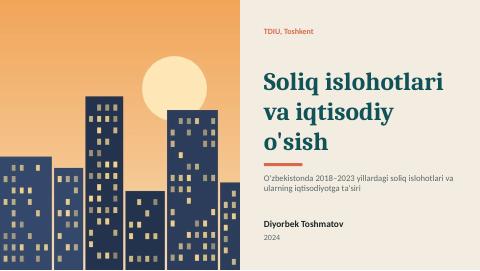
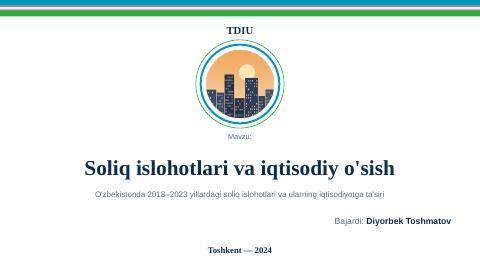
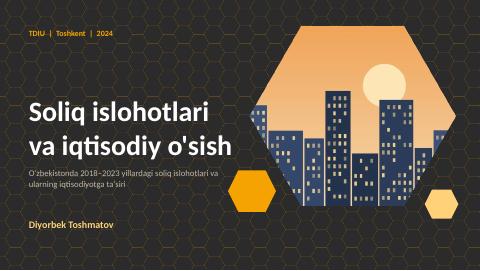
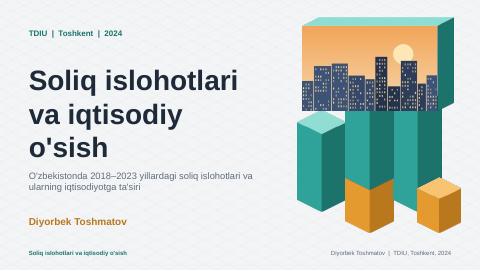
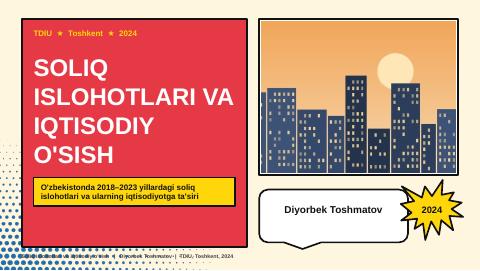
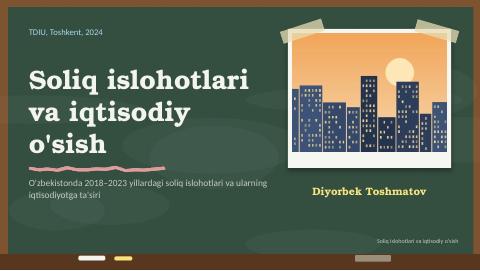
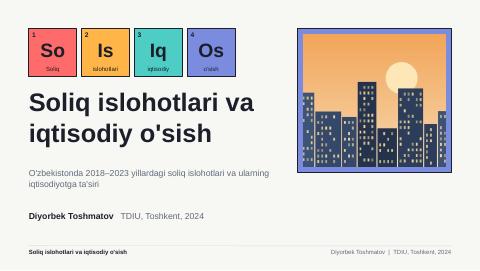
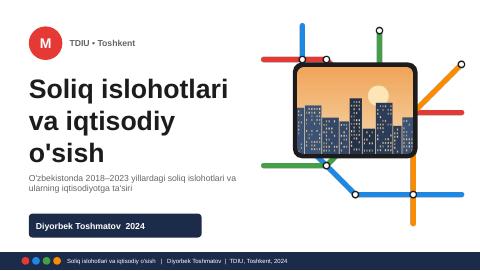
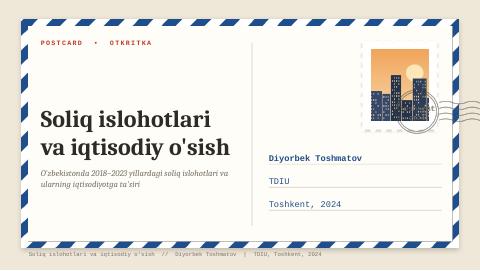
Each has its own style: headings, colours and tone adapt to the template. Click a template to download a sample presentation.







Pricing
No subscription — you pay only for the presentations you make.
New presentation
6 to 30 slides with text and images
…
Template switch
A finished presentation redrawn in another template
…
Images to PDF
Free
Free
Frequently asked questions
How do I sign in?
Send /start to @slidechibot in Telegram, then enter your Telegram username on the site. The bot sends you a 6-digit code.
Is the balance the same in the bot and on the site?
Yes. It is one account: balance, presentations and payments are the same in both places.
How do I top up?
In “Balance”, pick an amount, transfer it to the card shown and upload a photo of the receipt. Once an admin checks it, the money is added.
What if a presentation fails?
The money is returned to your balance automatically.
Can I edit the file?
Yes. Open the .pptx in PowerPoint, Google Slides or the editor on this site.